
FAQs
Salla App & Logistics Services
ARAMA Logistics provides product receiving, warehousing, inventory management, order fulfillment, shipping coordination, and returns management for online stores and brands.
The integration connects a Salla store with ARAMA’s logistics system to facilitate order synchronization, fulfillment and shipping visibility, and inventory management, subject to the features enabled for the account.
After activating your ARAMA service, install the ARAMA app from the Salla App Store and follow the authorization steps. Contact support if you need help completing the connection.
The integration can receive order data electronically based on the connection settings and status, reducing manual entry.
You can review orders and their processing stages in the designated dashboard, based on your account permissions and available data.
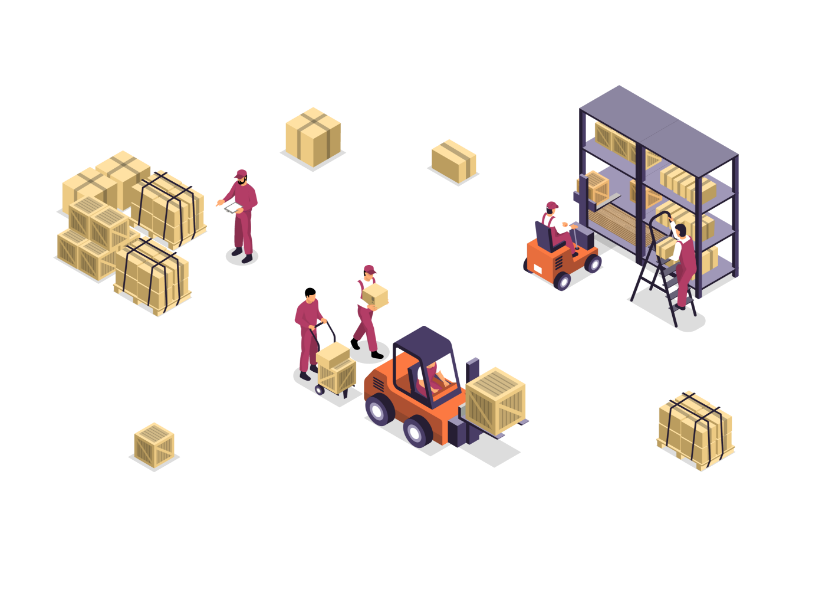
The process typically includes receiving the order, picking items from storage, verifying products, packing, and preparing the shipment for handover to a carrier.
Yes. The inventory management system provides visibility into products, stock quantities, and inventory movements according to your account’s available data and permissions.
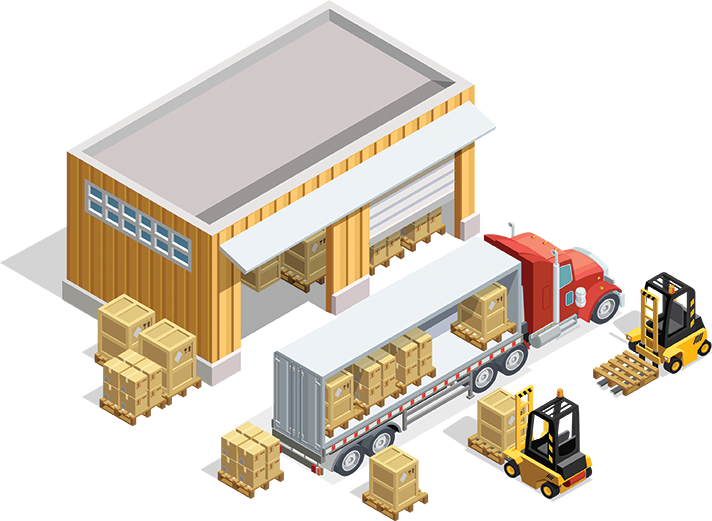
Yes. ARAMA offers product receiving, warehousing, storage organization, and stock movement management.
After fulfillment, shipping arrangements are completed and the parcel is handed over to an appropriate carrier according to the service agreement and available shipping options.
Available shipment details, such as tracking numbers or labels, may be accessible when supported and enabled for the order and carrier.
Returns are received, inspected, and their status updated. Eligible products may be returned to inventory in accordance with the agreed returns policy.
Warehousing, fulfillment, shipping, and additional service fees are determined by your quotation or agreement with ARAMA. Contact the commercial team for details.
Check the app connection and granted permissions, then contact support with your store name and affected order numbers. Do not share passwords.
Use the official support channels provided by ARAMA during onboarding.